Evidence Hub
Posture says what you claim; evidence is why an auditor should believe you. The Evidence Hub collects that proof from everything the platform already does, lets you add what it cannot see, and tells you which controls still have nothing behind them.
Where: left navigation → Compliance Posture → Evidence Hub tab.
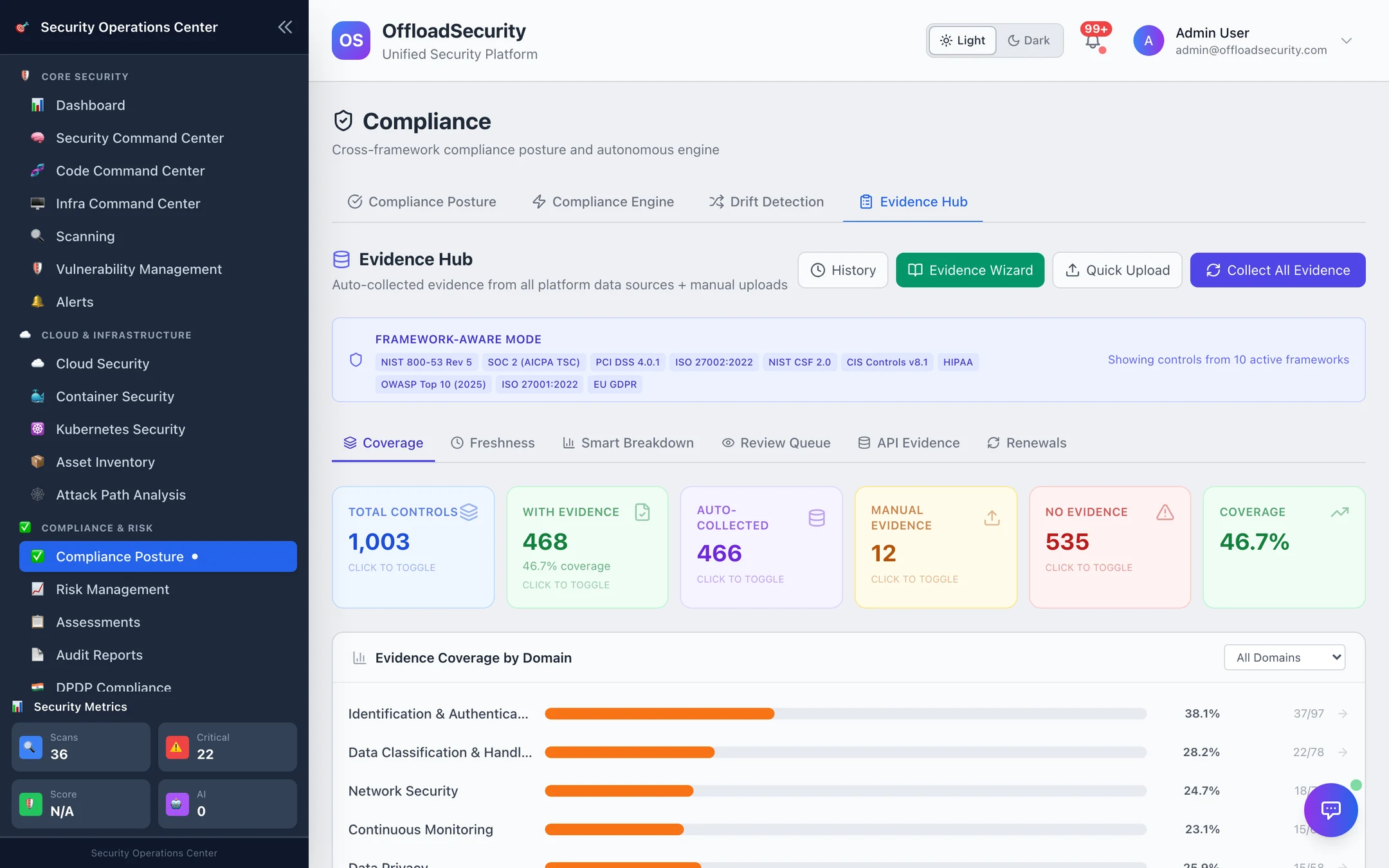
Where evidence comes from
| Source | How it gets here | Typical quality score |
|---|---|---|
| Scan evidence — cloud posture (Prowler), Kubernetes, container, vulnerability and web scans | Written automatically as scans correlate to controls, and by Collect All Evidence | 85–95 |
| API evidence — raw, read-only cloud API responses (S3 encryption / logging / versioning / public-access block, IAM summary and password policy, CloudTrail, Config, GuardDuty, Security Hub, Access Analyzer, KMS, RDS, security groups, VPC flow logs; GCP buckets, clusters, firewalls, IAM policy, log sinks; Azure storage accounts, NSGs, Key Vaults, SQL servers, AKS, Defender plans) | Collect API Evidence for all connected accounts, or per account | scan-grade |
| Assessment answers | Each answered assessment question is evidence for the controls it maps to | 75 |
| Knowledge-base documents | Policies and procedures uploaded to the Knowledge Base and mapped to controls | 70 |
| Manual uploads — documents, screenshots, configs, policies | Quick Upload or the Evidence Wizard | 60–70 |
Evidence is deduplicated by content: one artifact is stored once and linked to every control it satisfies (the dedup ratio on the posture page). Sensitive values in API captures are masked before storage.
Coverage
The Coverage view is the honest number: of the controls in scope for your active frameworks, how many have at least one evidence item — overall and by SCF domain, with with gaps only / fully covered filters. Click a tile to list the controls behind it; click a control to see its evidence and add a comment.
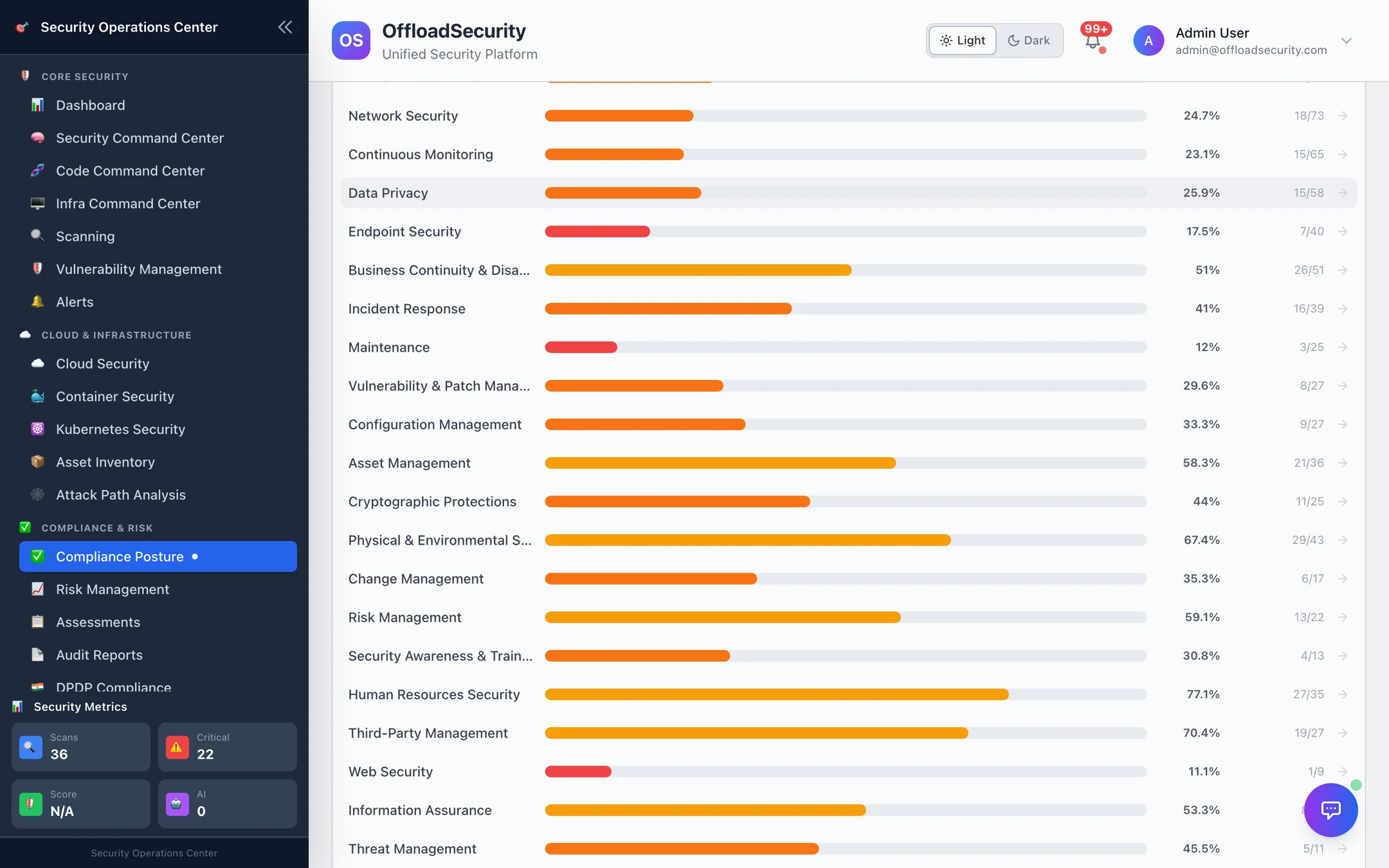
Framework-aware mode (the strip of active frameworks at the top) restricts everything on this tab to controls those frameworks reference.
Freshness
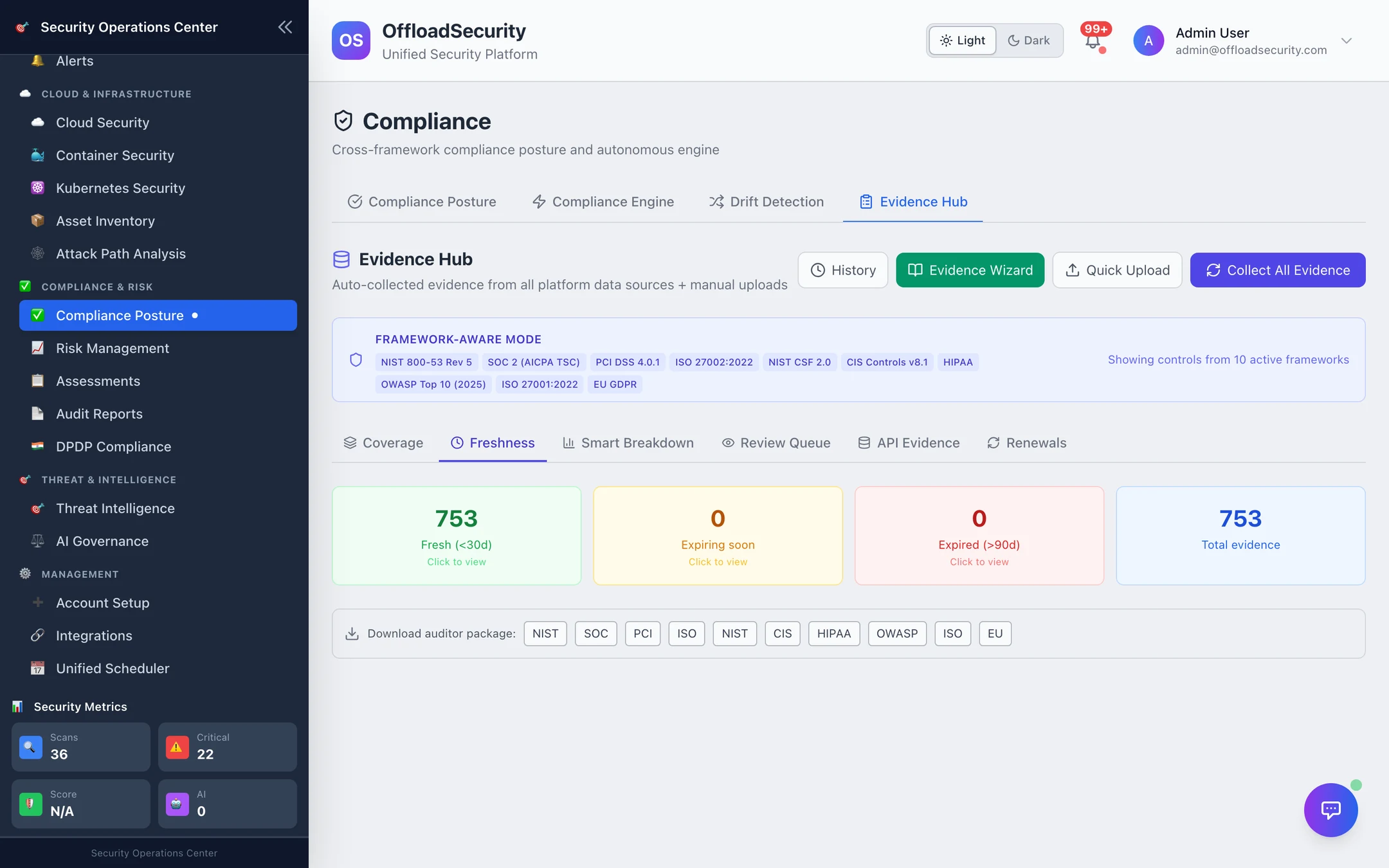
Evidence ages. Manual evidence carries a valid-until date; assessments carry a validity window; scan evidence is superseded by the next scan. Freshness shows what is fresh, expiring within 14 days, stale and expired. Expired evidence stops supporting its controls and appears as an evidence_expired drift.
Smart breakdown
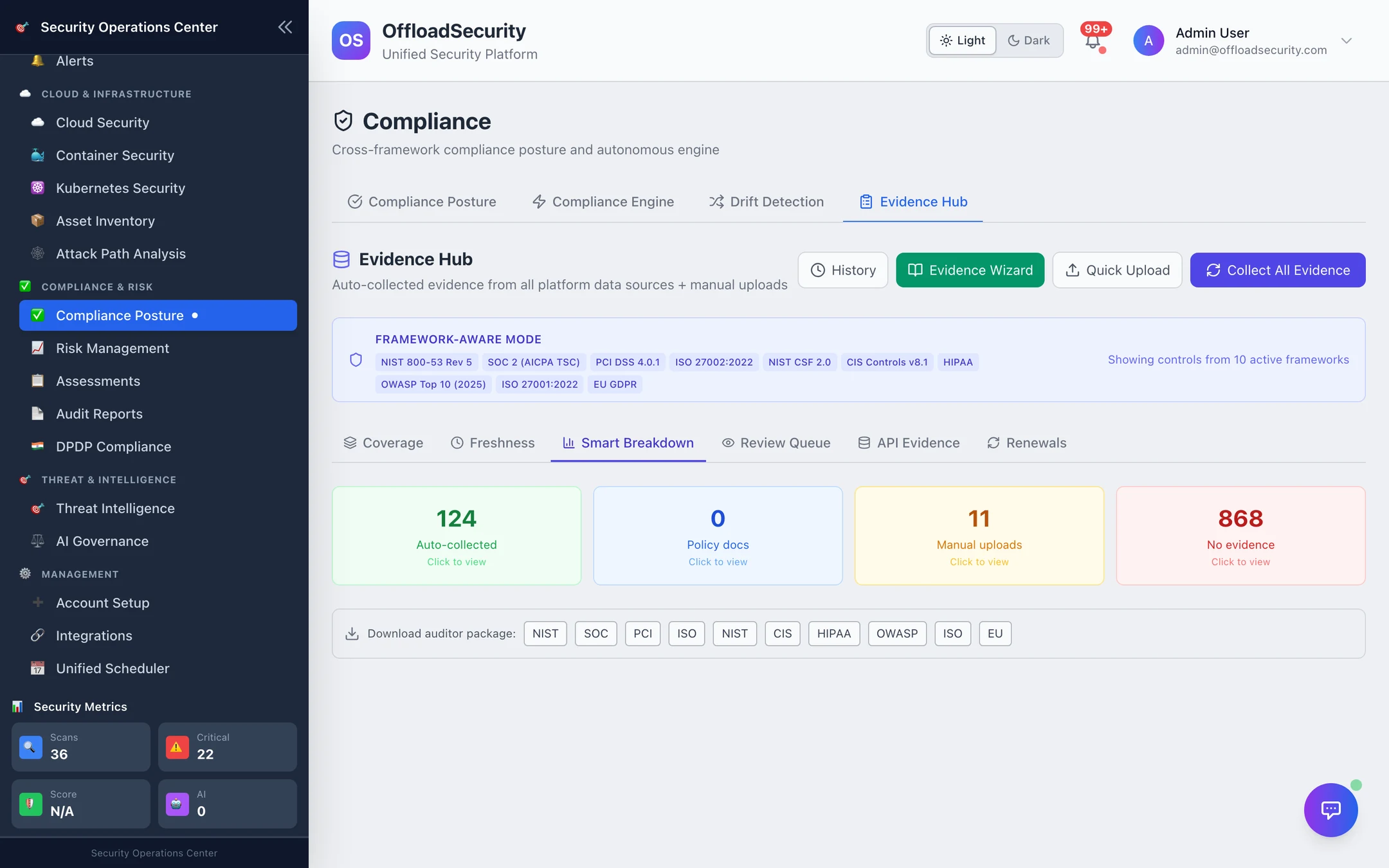
Each evidence item carries a quality score — the source's base score (CSPM scan 95, vulnerability scan 90, container / Kubernetes / security scan 85, assessment 75, knowledge base or policy 70, manual 60) adjusted by type (scan result 1.0, assessment 0.9, policy 0.85, config 0.8, document 0.75, attestation 0.65, screenshot 0.5, email 0.4). The breakdown shows where your evidence is strong and where a framework leans on screenshots.
Review queue
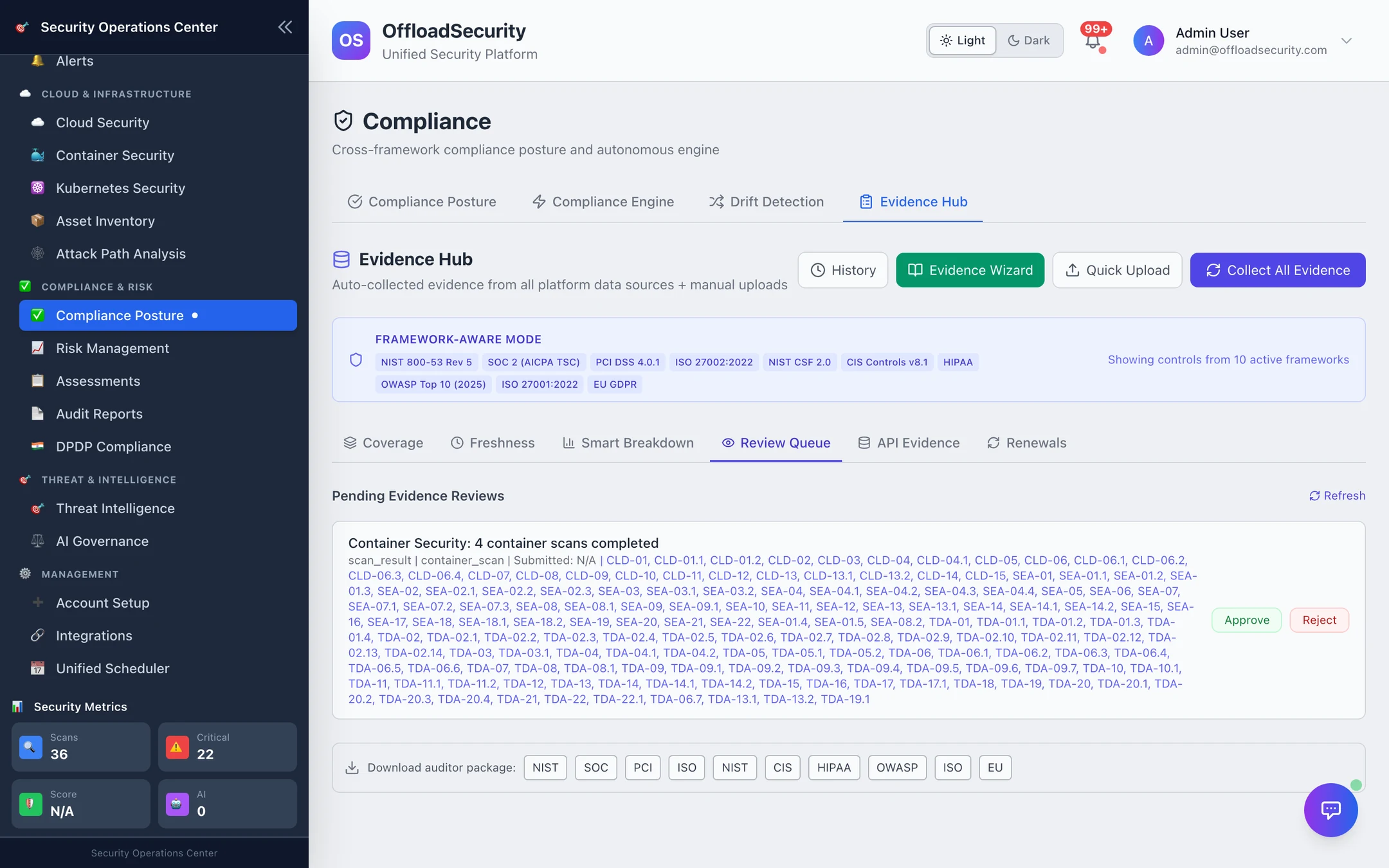
Auto-collected evidence enters as auto_collected; before an audit you move it to pending_review and a reviewer marks it approved (audit-ready) or rejected (needs replacement). The queue lists what is waiting, with the controls each item supports.
API evidence
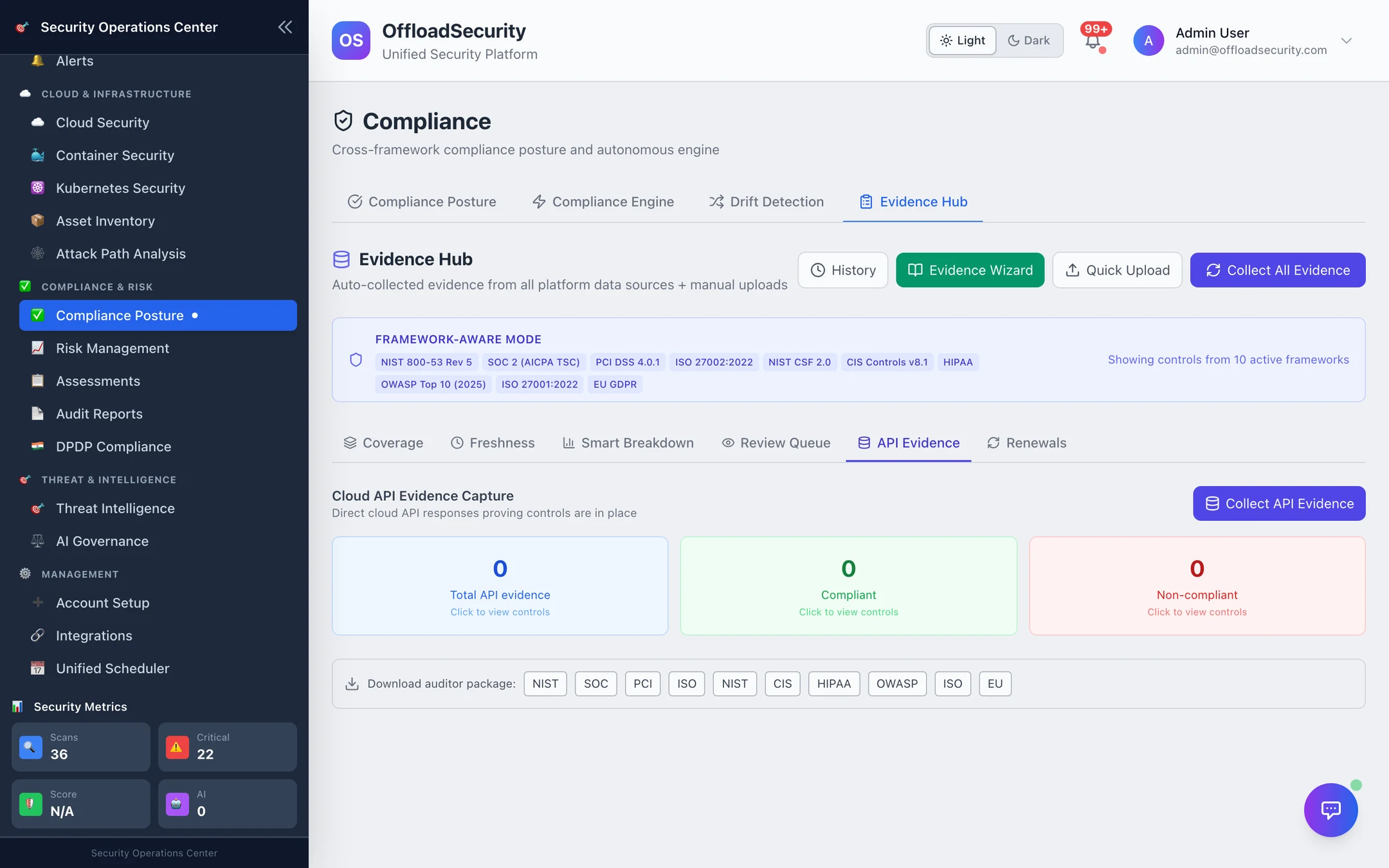
This is the evidence auditors like most: the raw API response, not a scanner's interpretation. Collect API Evidence walks every connected account (read-only calls, per-resource where it matters), masks secrets, deduplicates and links each capture to the SCF controls it proves. "Resource not found" is stored too — it is evidence of non-compliance. Capture status per account is shown on the tab.
Renewals
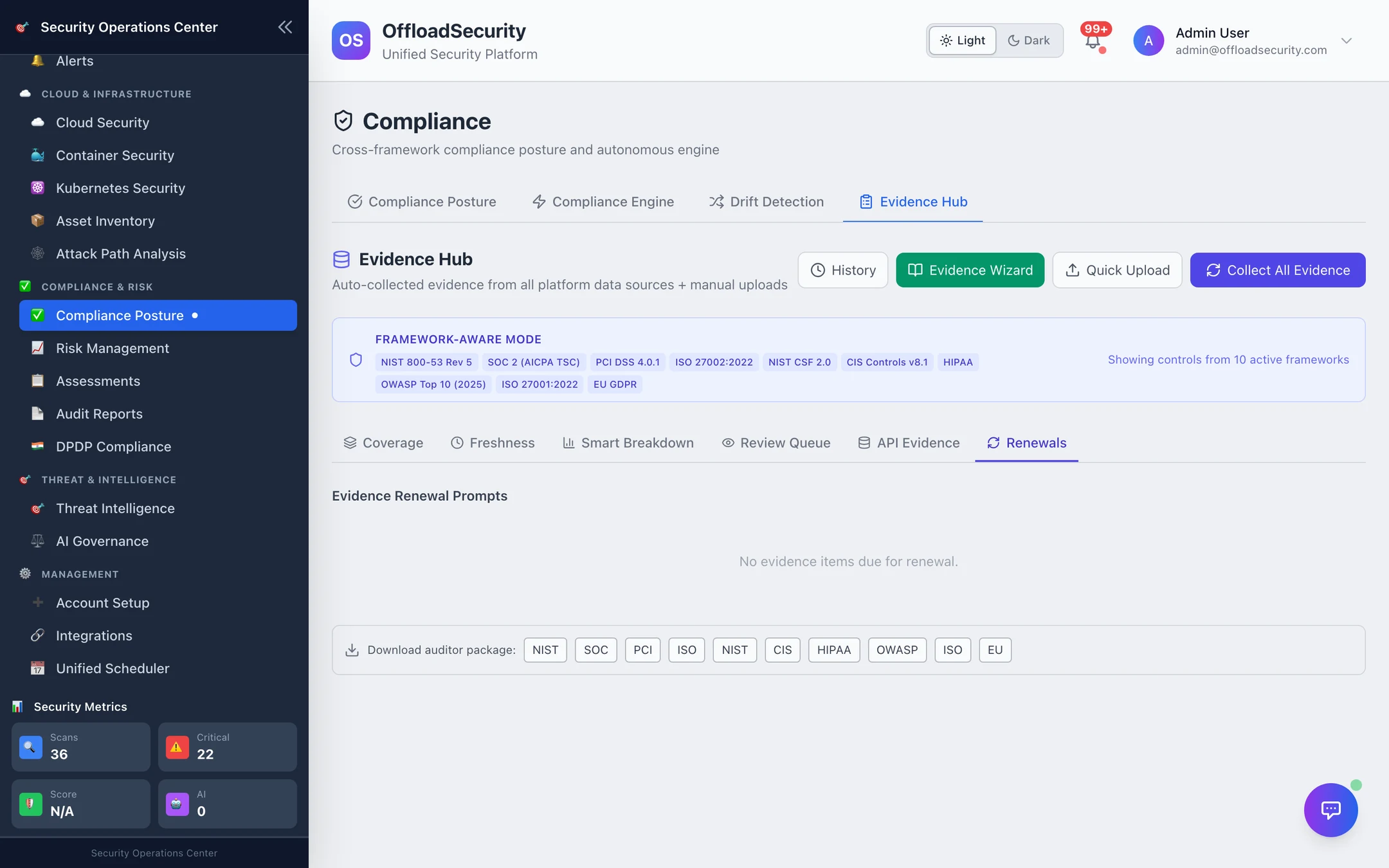
Manual evidence from the last cycle — the access-review export, the pen-test report, the tabletop minutes — is remembered and surfaced when it is a year old (configurable 30–730 days), with a one-click renewal prompt so the second audit is not a rediscovery of the first.
Adding evidence yourself
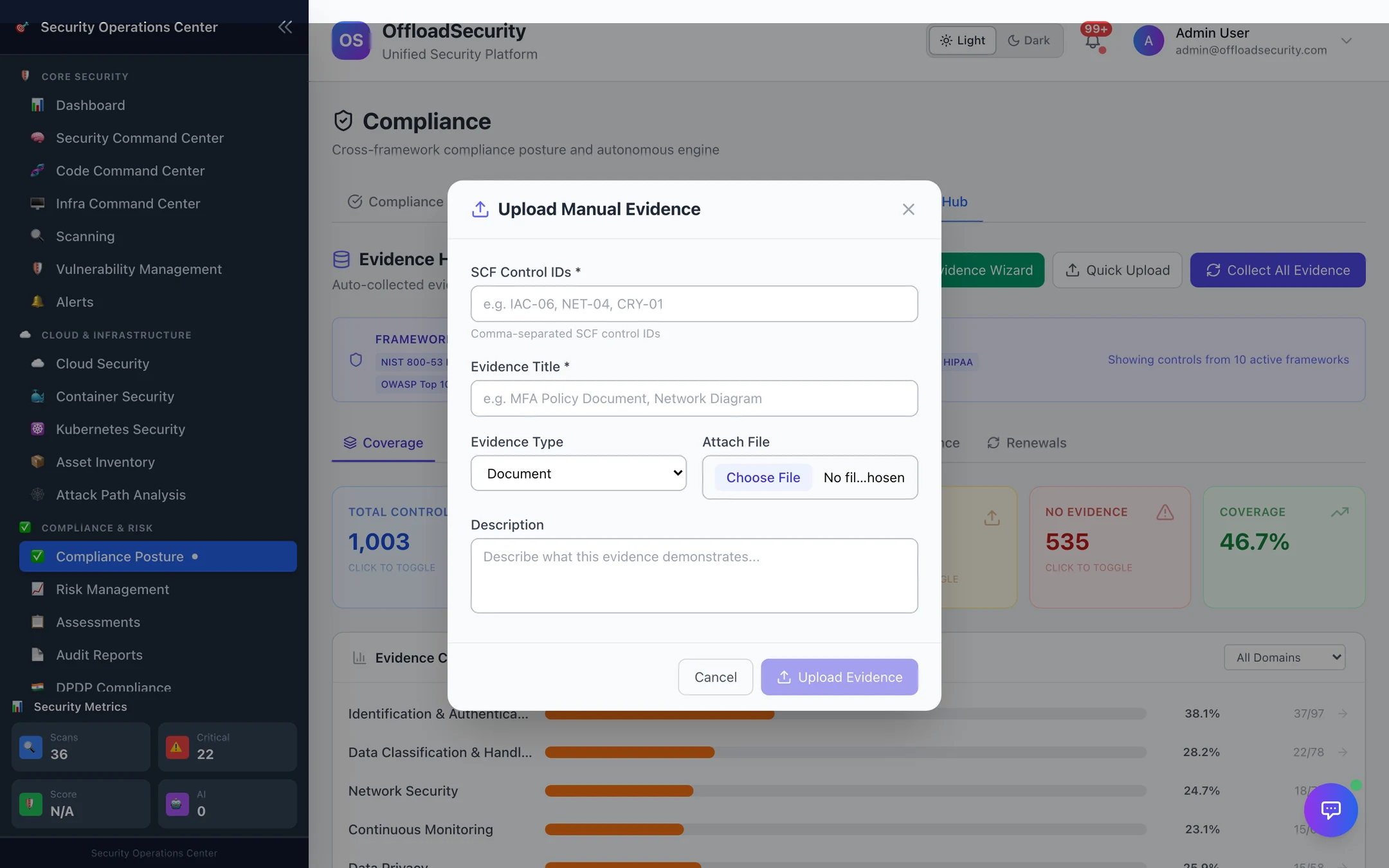
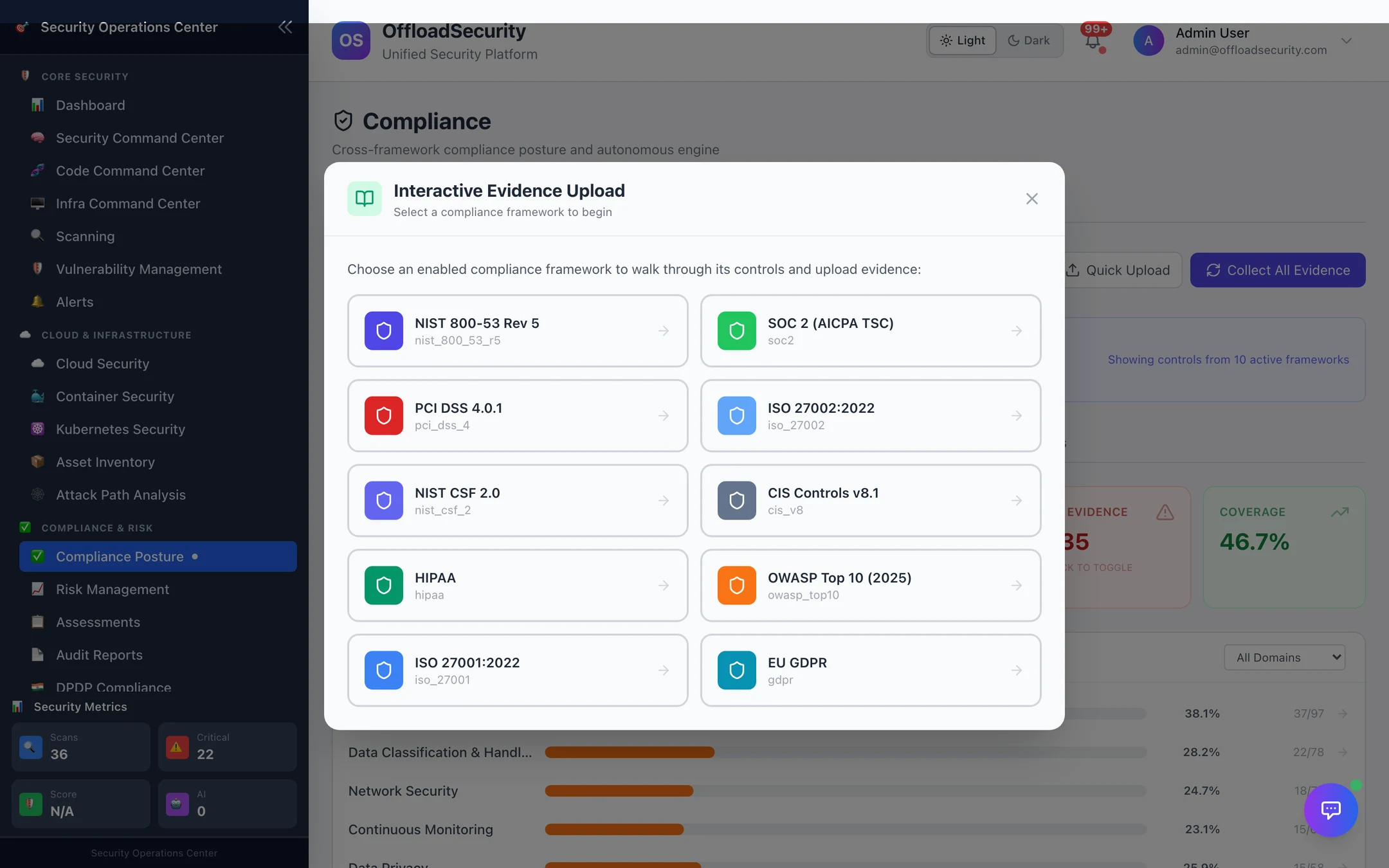
Quick Upload takes a title, an evidence type (document, screenshot, config, policy), one or more SCF control IDs and the file. The Evidence Wizard starts from the other end — pick a framework, see its controls without evidence, and upload against each.
Auditor package
Download audit package (per framework, at the bottom of the tab) produces a ZIP organised by control: a README.txt and executive_summary.json, then one folder per SCF control with control_info.json and the evidence grouped in four layers — L1 governance (policies), L2 technical (scan results and API captures), L3 operational (assessment answers) and L4 monitoring (alerts and logs). It is the thing you hand to the auditor instead of a shared drive.
Related
- Compliance Posture — the scores this evidence supports.
- Audit Reports — CSV packs for controls, findings, drift and remediation.
- Compliance & GRC API — evidence, collection, capture, review and renewals over REST.