Connecting Repositories
The Code Command Center reads repositories through your Git provider's API with a token you supply. The connection is per team, validated when you save it, and used for every repository and branch listing, scan checkout and fix pull request afterwards.
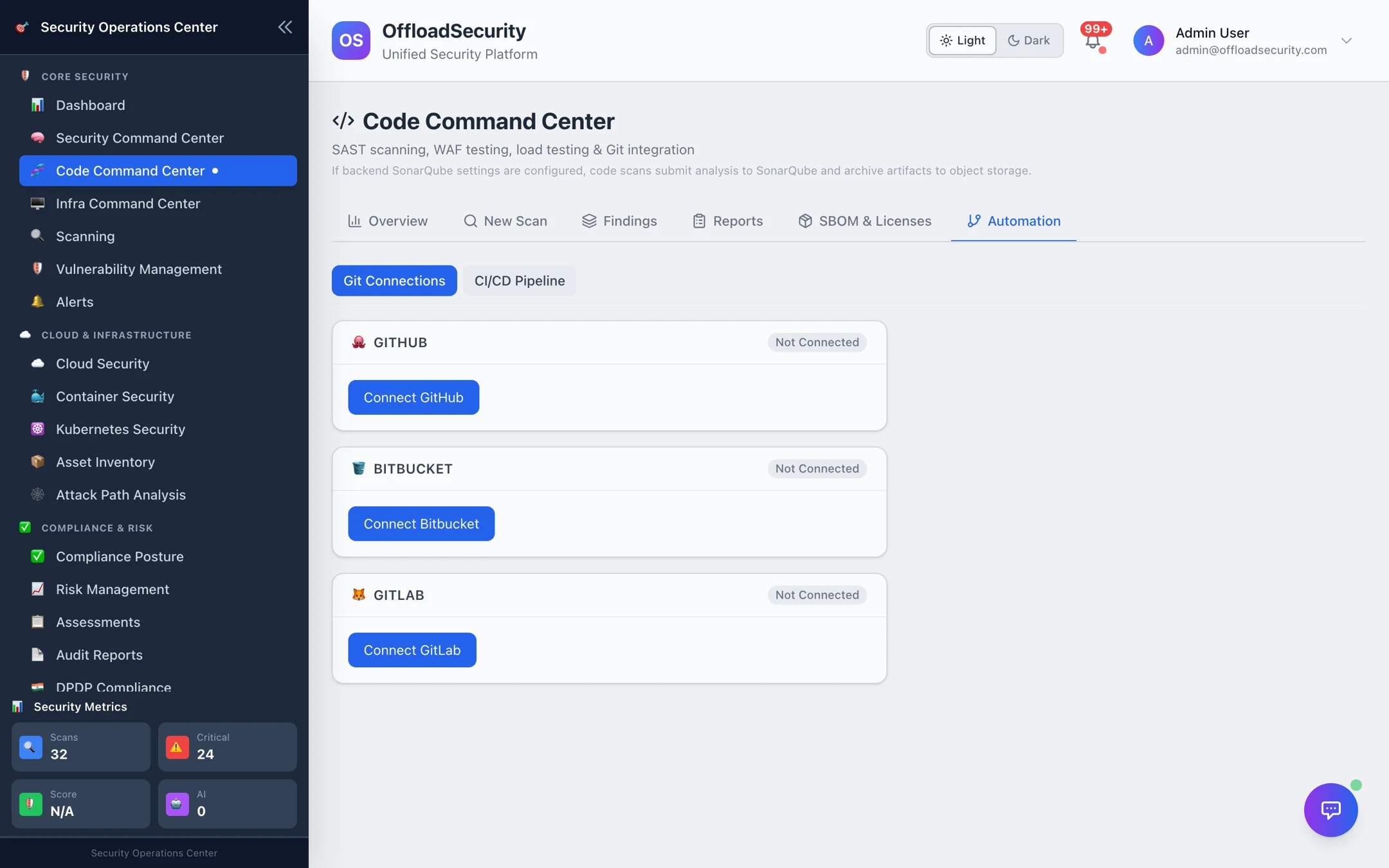
Where: Code Command Center → Automation → Git Connections.
Supported providers and tokens
| Provider | Token | Minimum access |
|---|---|---|
| GitHub (github.com) | Personal access token — fine-grained (recommended) or classic | Read access to the repositories you want to scan: Contents and Metadata read-only. Add Pull requests write only if you want the platform to open fix PRs. |
| GitLab (gitlab.com) | Personal or project access token | read_api and read_repository; add write_repository for fix PRs. |
| Bitbucket (bitbucket.org) | App password with your username | Repositories: Read; add Pull requests: Write for fix PRs. |
The platform validates the token against the provider when you connect (/user on GitHub and GitLab, your repositories on Bitbucket) so an under-scoped or expired token is rejected immediately rather than "connecting" and failing at scan time. Tokens are encrypted at rest and never returned by the API. If a stored token later expires or is revoked, repository listing fails with a clear message and you reconnect with a fresh token.
Create the token under a bot or service account that is a member of the repositories, not a personal account — scans keep working when people leave, and PRs opened by the platform are attributed consistently.
Connect
- Select Connect GitHub (or GitLab / Bitbucket).
- Paste the token (and, for Bitbucket, the username).
- Save. The card shows Connected as <username>; Disconnect removes the token.
One connection per provider per team; different teams connect independently.
Choosing what to scan
On New Scan, the Repository picker lists the repositories the token can see (search by name, organisation or language) and the Branch picker lists that repository's branches, defaulting to main. Each scan clones the selected branch at its current head.
For code you cannot connect — a vendor drop, an air-gapped project — use Upload ZIP instead; no Git connection is needed. See Running Code Scans.
Repository ownership
Map repositories to an application and an owner (optionally an environment and a criticality) so the lists can be filtered by who is accountable. Ownership is set over the API — PUT /api/code/repo-ownership with { "repo", "application", "owner", "environment", "criticality" } — and the Show: application / owner filters on Reports and SBOM & Licenses then narrow those lists to one team's services instead of every repository the tenant has ever scanned. See the Scanning API.
Related
- Running Code Scans — the first scan.
- CI/CD & Automation — schedules and pipeline scans that use this connection.
- Troubleshooting — token rejected, repositories missing, scans that stay running.