Policies, Webhooks, SBOM & Compliance
Scanning tells you what is in an image. These four tabs turn that into control: policies decide what may deploy, webhooks make sure every new image is scanned, SBOMs keep the inventory auditors and customers ask for, and compliance reports express image posture in framework terms.
Image admission policies
Where: Container Security → Image Policies.
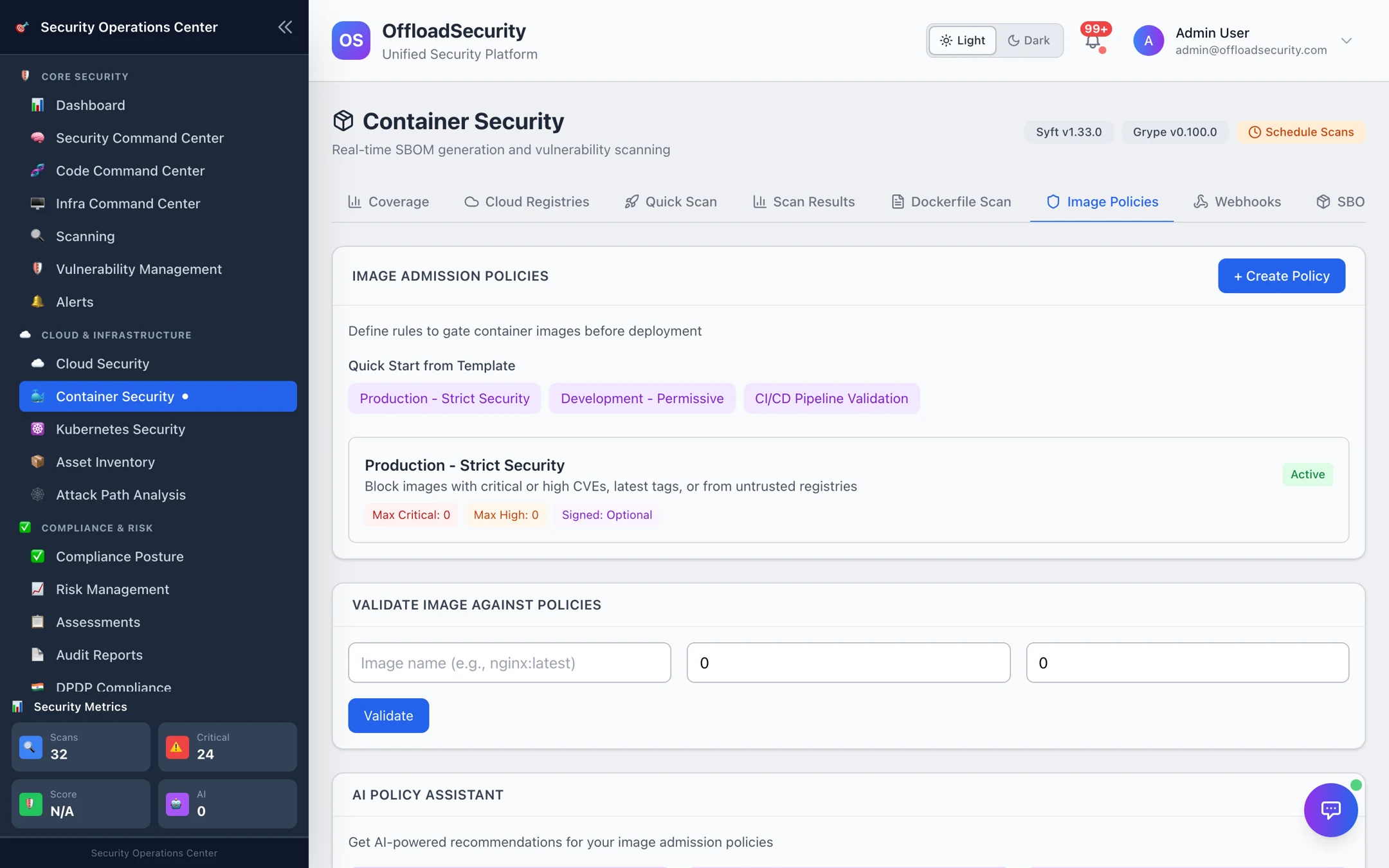
A policy is a set of rules an image must satisfy:
| Rule | Example |
|---|---|
| Allowed registries | Only 418272957165.dkr.ecr.us-east-1.amazonaws.com, us-central1-docker.pkg.dev, offloadshared.azurecr.io |
| Maximum vulnerabilities | critical: 0, high: 0, medium: 5 |
Block latest tag | Images must be pinned to a version or digest |
| Require signature | Only cosign-signed images pass (verification via Image → verify signature) |
Start from a template — Production – Strict Security, Development – Permissive or CI/CD Pipeline Validation — adjust the thresholds and registries, and save. Policies are team-scoped and can be enabled or disabled individually. The AI Policy Assistant suggests thresholds for production, explains gaps in your current policies, and proposes optimisations based on your recent scan results.
Validate image against policies takes an image name plus its critical/high counts (or looks up the latest scan) and returns pass/fail with every violated rule — the same check CI runs.
Gate a pipeline
One call scans an image and validates it against the team's policies:
curl -s -X POST "$OFFLOAD_HOST/api/container-security/cicd/scan-and-validate" \
  -H "X-API-Key: $OFFLOAD_API_KEY" -H "Content-Type: application/json" \
  -d '{
    "image_name": "418272957165.dkr.ecr.us-east-1.amazonaws.com/payments-api:2.14.1",
    "build_id": "'"$CI_PIPELINE_ID"'",
    "git_commit": "'"$CI_COMMIT_SHA"'",
    "fail_on_policy_violation": true
  }'
The response carries scan_results (SBOM + vulnerabilities), policy_validation (each rule and whether it passed), allowed and an exit_code (0 pass, 1 fail) you can return from the step. Pair it with the code-side gates in CI/CD & Automation.
Registry webhooks
Where: Container Security → Webhooks.
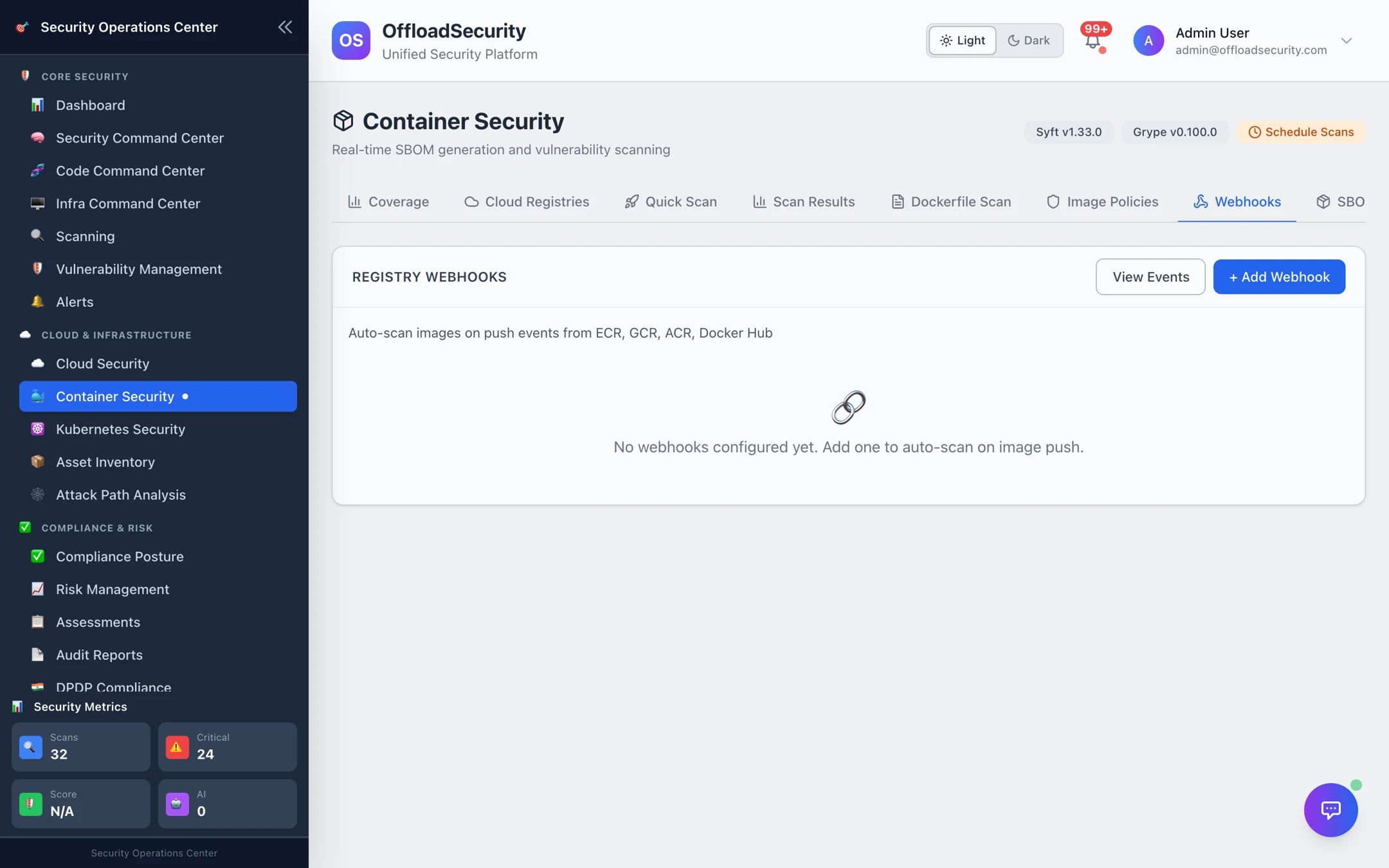
A webhook turns a push into a scan. Add Webhook, choose the registry type (ECR, GCR, Artifact Registry, ACR, Docker Hub or generic), name it, and the platform returns a callback URL (…/api/container-security/webhooks/registry-event/{webhook_id}) and a signing secret. Configure that URL in the registry:
| Registry | Where to configure |
|---|---|
| ECR | EventBridge rule on ECR Image Action (PUSH) → API destination with the callback URL |
| GCR / Artifact Registry | Pub/Sub topic gcr → push subscription to the callback URL |
| ACR | Registry → Webhooks → action push |
| Docker Hub | Repository → Webhooks |
Every delivery is verified against the secret, recorded under View Events, and — when auto-scan is on for the registry — queued as a scan of the pushed image. Webhooks can be paused with the toggle without deleting them. Registries that cannot call out use polling instead (Registries).
SBOM lifecycle
Where: Container Security → SBOM.
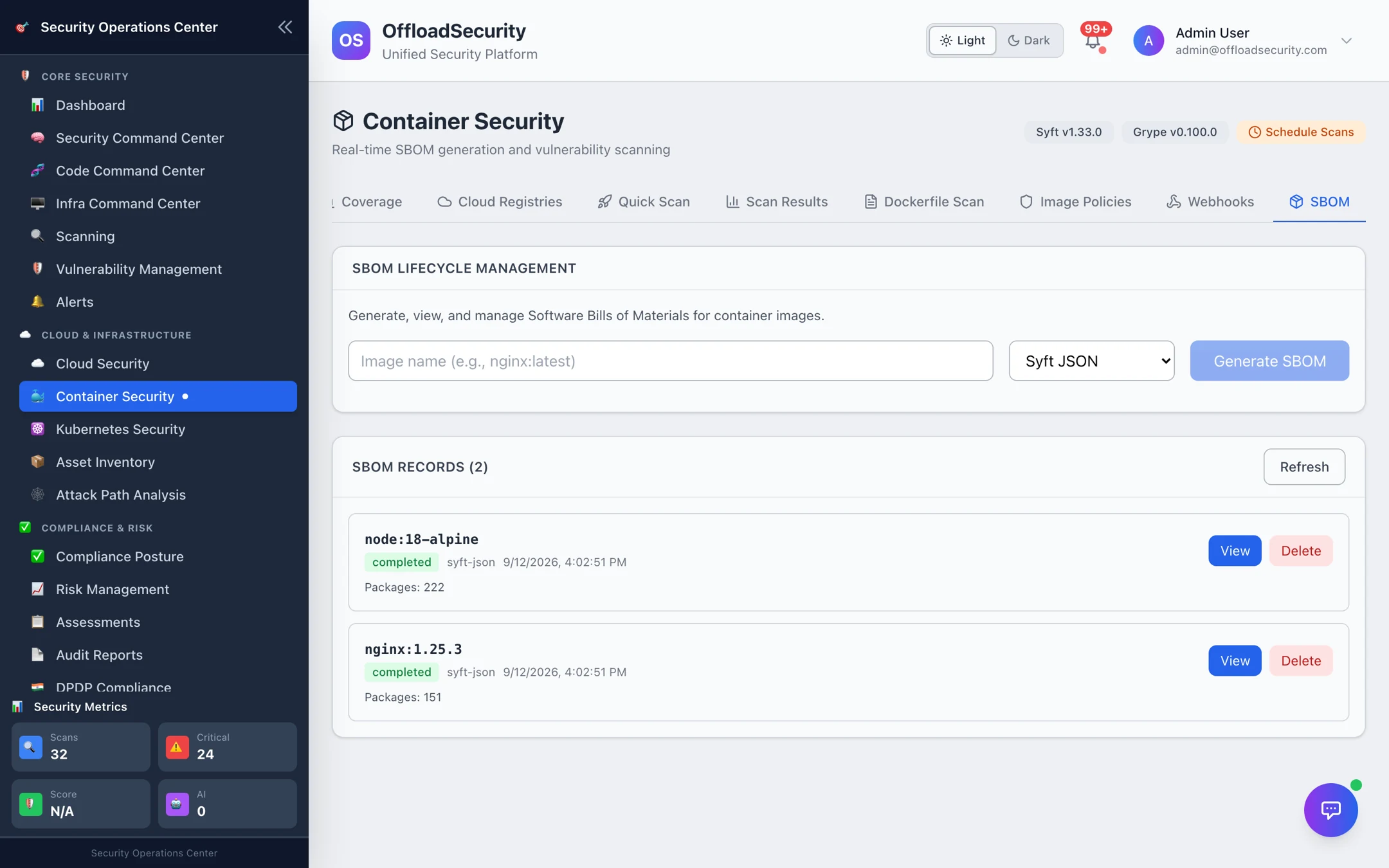
Generate a Software Bill of Materials for any image in CycloneDX JSON, SPDX JSON or Syft JSON. Generation runs in the background; the record shows status, package count and completion time. View opens the component list; the file can be downloaded for a customer request or fed to another tool. SBOMs generated as part of a full-analysis scan are attached to that scan's result as well.
For source-code SBOMs with licence analysis, see SBOM & Licences in the Code Command Center.
Compliance reports
Where: Container Security → Compliance.
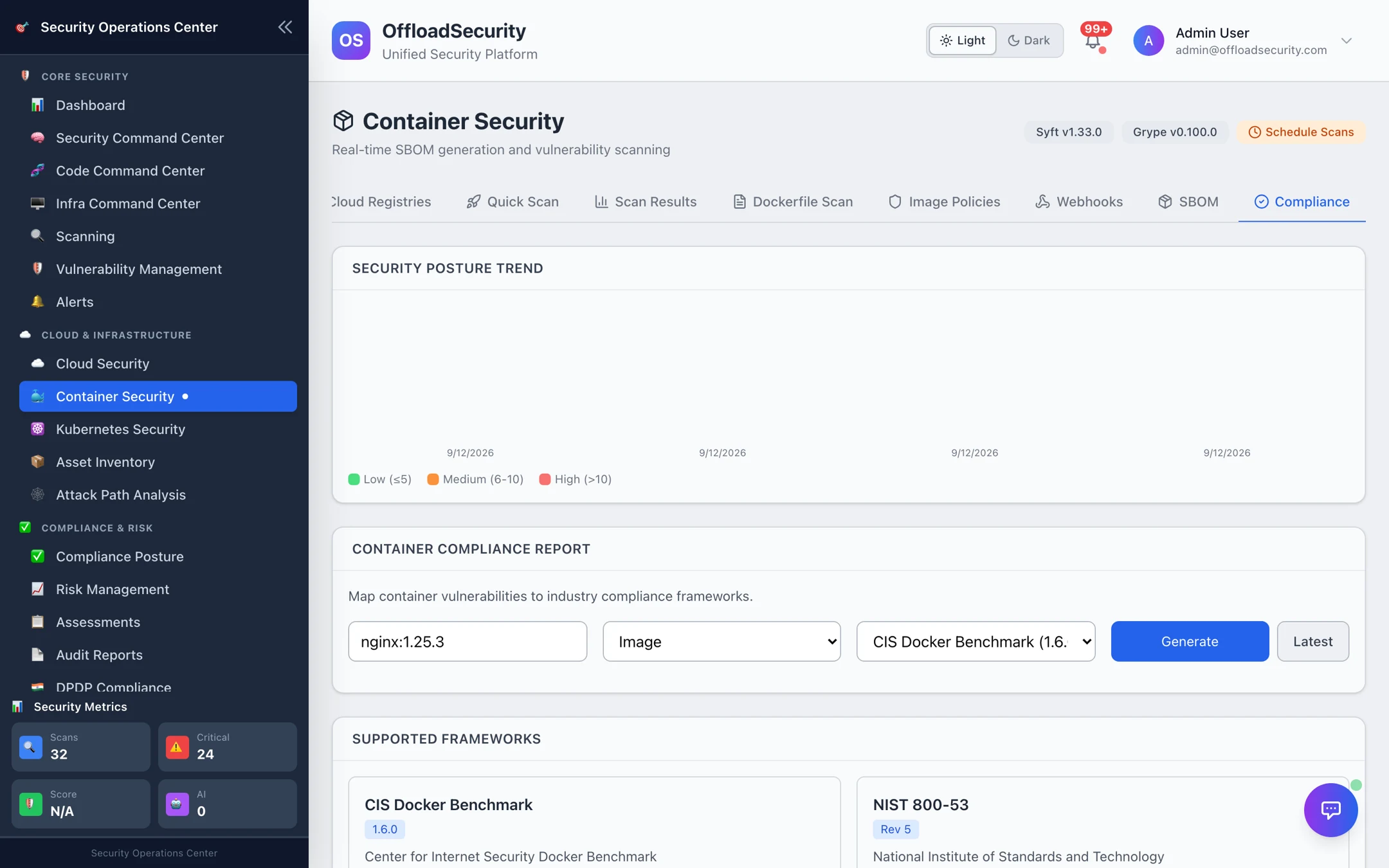
- Security Posture Trend — total findings per scan over time, so you can see whether the estate is getting better.
- Container Compliance Report — choose a target (an image, a registry, or a whole account), a framework (CIS Docker Benchmark 1.6, NIST 800-53, PCI DSS, SOC 2) and Generate. The report scores the mapped controls against the latest completed scan of each image in the target, listing controls assessed, passed and failed, and is honest about scope — controls the scanner cannot observe are reported as not assessed rather than passed. Latest re-opens the most recent report for that target and framework.
Choose target type Registry to get one report across every scanned image in a registry — the view an auditor wants for "all production images", instead of one report per tag.
Related
- Image Scanning — the scans these controls act on.
- Registries — schedules and polling for registries without webhooks.
- CI/CD & Automation — pipeline gates for code and images together.